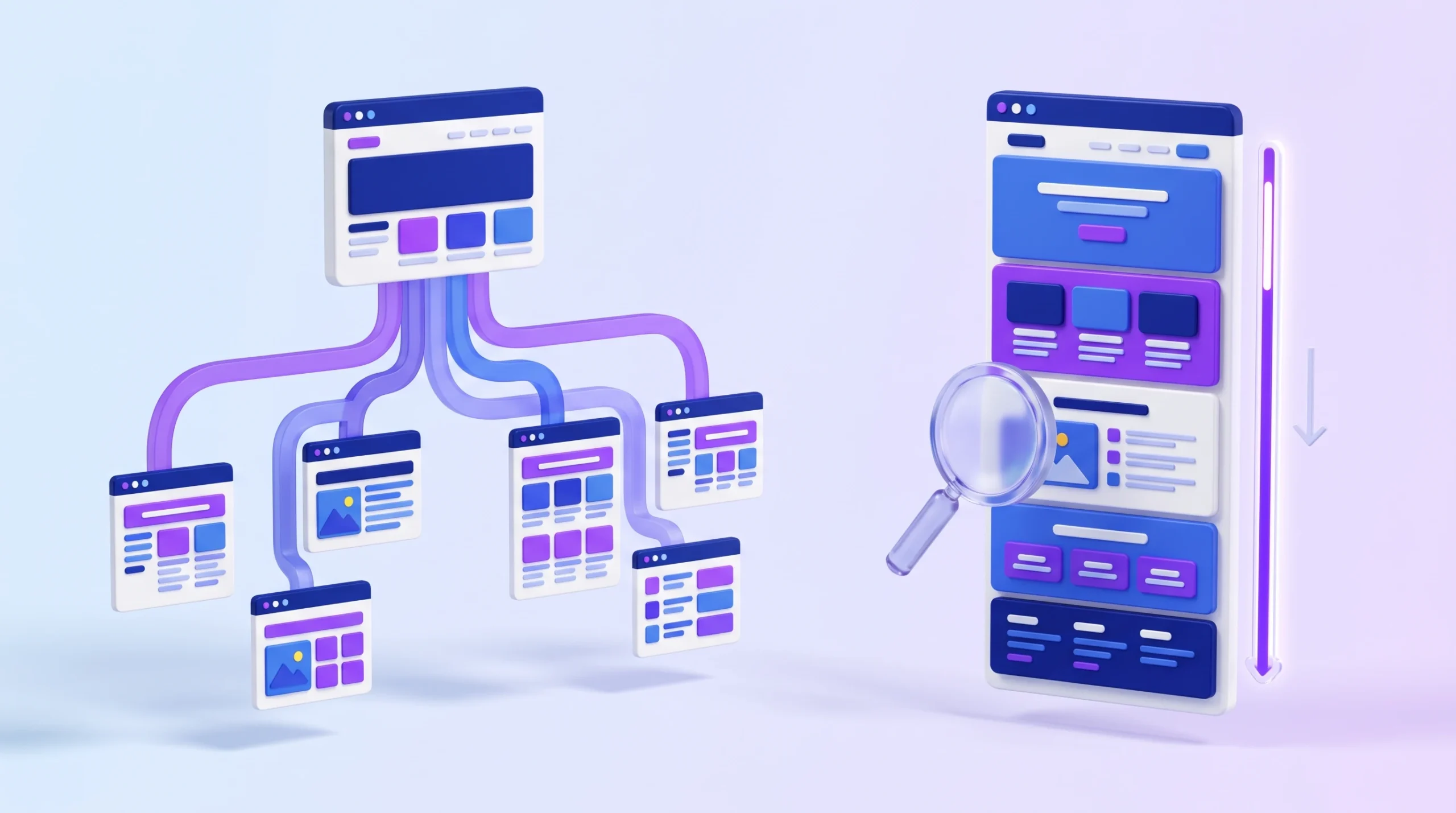
A one-page website can be an effective way to present a portfolio, promote a product, advertise an event, or introduce a small business. But when every section lives on a single URL, you need to plan your content carefully to help visitors and search engines understand what your website offers.
1 page website SEO focuses on optimizing a single URL through keyword research, useful content, descriptive headings, technical improvements, and relevant backlinks. Although a one-page site can rank in Google Search, it may be less suitable than a multi-page website when you need to target many unrelated keywords or cover several distinct topics.
In this guide, you’ll learn how to optimize a single-page website, organize its content, improve performance, and measure SEO results without adding unnecessary sections or keywords.
Why One-Page Website SEO Is Different
A single-page website places its main information on one URL. Visitors may use navigation links to jump between sections such as About, Services, Portfolio, Pricing, and Contact, but those sections generally remain part of the same page.
This structure can work well when a website has one clear purpose. For example, a freelance designer may need one page to introduce their services, display selected projects, share testimonials, and encourage potential clients to get in touch.
However, there are limitations to consider:
- Limited topic coverage: One URL may struggle to satisfy several search intents that require different types of content.
- Fewer opportunities for targeted landing pages: You cannot create a separate page for every service or location without expanding the site.
- Content organization matters: Visitors need to find important information quickly, especially on mobile devices.
- Authority is concentrated on one URL: External websites may link to the main page, but a single URL does not automatically make every backlink more valuable.
A one-page website is often a sensible choice for a focused offering. If your business needs separate service pages, detailed resources, or location-specific landing pages, a larger site structure may be more appropriate.
For SEO fundamentals, start with Google’s SEO Starter Guide.
Keyword Research for a One-Page Website

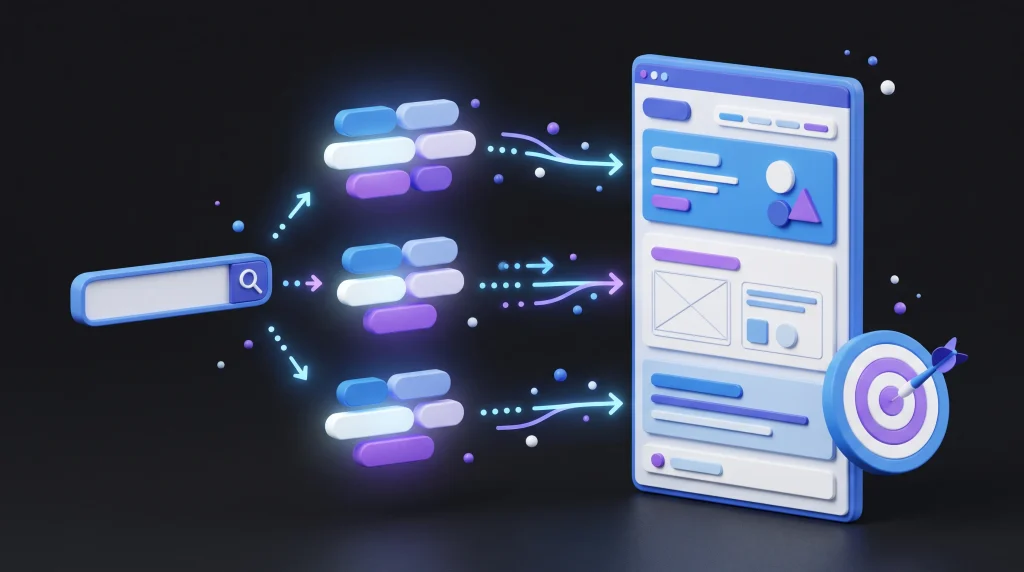
Before optimizing your page, identify what your intended audience searches for and what they expect to find.
The goal is not to squeeze as many keywords as possible into one page. Instead, choose a primary topic and a small group of closely related terms that match the purpose of your website.
Choose a Primary Keyword
Your primary keyword should describe the main purpose of the page.
Examples include:
- Freelance graphic designer portfolio
- Wedding photographer in Austin
- Personal trainer in Chicago
- Landing page design services
These examples have different search intents. A portfolio page should showcase work and experience, while a local service page should clearly explain the service, location, and how to contact the business.
Use keyword research tools to investigate relevant phrases, search demand, competition, and the types of pages already appearing in search results.
[INTERNAL LINK: Add a link to your existing Keyword Research guide using the anchor text “keyword research”.]
Select Supporting Keywords
Choose a few related terms that help explain your main offering. For a graphic designer, these might include branding projects, logo design, client testimonials, and design services for startups.
Include supporting terms only when they represent information your visitors actually need. Avoid adding unrelated subjects simply because they have search volume.
Match Content to Search Intent
Review the search results for your target keyword. Are the top results portfolios, service pages, product pages, or educational guides?
Your page should provide the type of information searchers expect. A detailed blog-style explanation may not be the best choice for someone searching for a local service provider, while a short sales page may not answer an informational query.
How to Structure a One-Page Website

A clear structure helps visitors scan the page and reach the information they need. Use semantic HTML elements and descriptive headings to organize the content logically.
A typical service or portfolio page might include:
| Section | What to include |
|---|---|
| Hero | Main offer, audience, and primary call to action |
| About | Relevant background, experience, or business information |
| Services | What you offer and who it helps |
| Portfolio | Examples of work or completed projects |
| Testimonials | Genuine customer feedback, where available |
| FAQs | Answers to common questions |
| Contact | Contact details, form, or booking option |
Not every website needs every section. Choose sections according to the page’s purpose.
Use a descriptive H1 for the main topic, H2 headings for major sections, and H3 headings for relevant subsections. A clear heading hierarchy improves readability and accessibility, but there is no magic number of headings that guarantees better rankings.
For example, a freelance designer’s page could use the following structure:
- H1: Freelance Graphic Designer Portfolio
- H2: About My Design Services
- H2: Branding and Logo Design
- H2: Selected Projects
- H2: Client Testimonials
- H2: Frequently Asked Questions
- H2: Contact Me
Make sure the page’s important content is available in crawlable HTML. Do not rely entirely on images, animations, or JavaScript interactions to communicate essential information.
Technical SEO for One-Page Websites
Technical SEO helps search engines access, understand, and index your page. A single-page website may have a simple architecture, but it still needs a secure, accessible, and well-performing setup.
Improve Core Web Vitals
Google’s Core Web Vitals measure aspects of loading performance, responsiveness, and visual stability. The recommended thresholds for a good user experience are:
- Largest Contentful Paint (LCP): 2.5 seconds or less.
- Interaction to Next Paint (INP): 200 milliseconds or less.
- Cumulative Layout Shift (CLS): 0.1 or less.
These are user-experience targets, not guaranteed ranking positions. Core Web Vitals are one part of a broader search and user-experience picture.
To improve performance:
- Compress large images and use suitable modern formats such as WebP or AVIF.
- Serve appropriately sized images for different screens.
- Avoid loading unnecessary scripts, plugins, and third-party widgets.
- Reserve image dimensions to reduce unexpected layout shifts.
- Avoid lazy-loading the main hero image when it is the primary content visible immediately after page load.
- Load below-the-fold images efficiently.
Test your website using PageSpeed Insights and review Google’s Core Web Vitals documentation.
Make the Page Mobile-Friendly
Google primarily uses the mobile version of a website’s content for indexing. Your page should therefore provide the same essential information on mobile as it does on desktop.
Check that:
- Text remains readable without zooming.
- Buttons and navigation links are easy to tap.
- The page does not require horizontal scrolling.
- Forms work properly on smaller screens.
- Important text, images, and metadata are available on mobile.
- Pop-ups do not obstruct essential content.
Use responsive design so the layout adapts to different screen sizes. You can review Google’s mobile-first indexing guidance for additional details.
Use HTTPS and a Canonical URL
Serve your website over HTTPS and choose a preferred URL for the page.
If tracking parameters or other variations create multiple URLs containing substantially the same page, use an appropriate canonical URL when necessary. Make sure your internal links and sitemap point to the preferred version.
For a simple website, the main goal is to avoid unnecessary URL variations and make the preferred page easy to discover.
Add Relevant Structured Data
Structured data can help search engines understand information about a business, organization, or webpage. Depending on the actual content, suitable types may include Organization, WebPage, or LocalBusiness.
Only use markup that accurately describes information visible on the page and relevant to your website. Do not add a schema type merely because you hope it will improve rankings.
Google does not guarantee rich-result appearances even when structured data is valid. You can read the structured data guidelines before implementing markup.
On-Page SEO: Titles, Headings, and Content

Your title tag, meta description, headings, and main copy should explain the page clearly and accurately.
Write a Descriptive SEO Title
Create a unique title that reflects the page’s main purpose. Place the most important topic naturally near the beginning when it makes sense.
For example:
Freelance Graphic Designer Portfolio | Brand Design
Avoid repeating the same keyword unnecessarily or promising something the page does not provide. Google may generate a different title link in search results, so the title tag is a recommendation rather than a guarantee of exactly what will appear.
Write a Useful Meta Description
A meta description should summarize the page and give searchers a reason to visit. Include the main topic naturally and describe the actual value offered.
For example:
“Explore a freelance graphic designer’s portfolio, branding projects, and logo design services for startups and growing businesses.”
There is no guaranteed character limit that ensures Google will display the complete description. Google may use text from the page instead, depending on the search query.
Create Helpful, Focused Content
There is no universal word count for a one-page website. A portfolio may need only a few focused sections, while a detailed service page may require more explanation.
Include enough information to help visitors understand:
- What you offer.
- Who your service or product is for.
- What makes your approach useful or different.
- What evidence supports your claims.
- What visitors should do next.
Use genuine examples, accurate details, and original information. Avoid adding paragraphs solely to reach a target word count or repeating the primary keyword in every section.
Optimize Images
Use clear images that support the page’s purpose. Compress files, select suitable dimensions, and use descriptive filenames where practical.
Write meaningful alt text for informative images. For example, an image showing a completed logo project might use alt text such as “Brand identity and logo design for a technology startup,” if that accurately describes the image.
Decorative images can use empty alt attributes. Do not stuff keywords into alt text or describe details that are not visible in the image.
Add Clear Calls to Action
A call to action (CTA) tells visitors what they can do next. Depending on your page, this could be booking a consultation, requesting a quote, viewing a portfolio, or signing up for a service.
Place the main CTA where it is easy to find, and repeat it where it naturally follows important information. Make sure buttons lead to working destinations and that forms are accessible on mobile.
Internal Anchor Links and Navigation
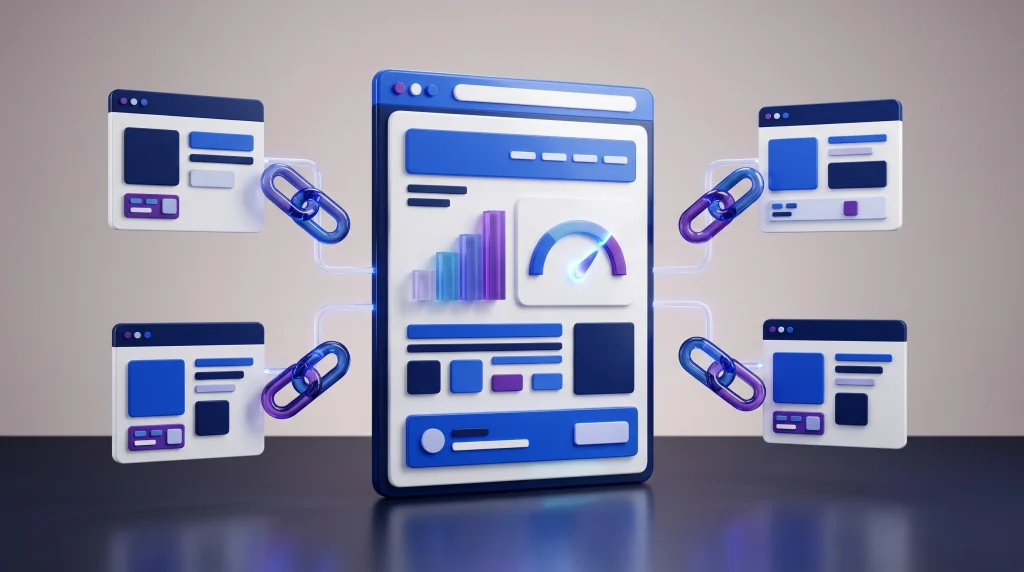
Anchor links let visitors jump to different sections of the same page. For example, a navigation link to #services can take a visitor directly to the Services section.
Use descriptive IDs such as:
#about#services#portfolio#testimonials#contact
Write descriptive link text such as “View my branding projects” instead of vague text like “Click here.”
Anchor links are primarily a navigation and usability feature. Because URL fragments generally refer to sections of the same URL, they should not be treated like links between separate pages or as a guaranteed way to improve rankings.
If your website has supporting blog posts or separate resource pages, link to them where they genuinely help the reader. A single-page website can still link to relevant pages elsewhere on the same domain.
[INTERNAL LINK: Add a link to your existing Technical SEO guide using the anchor text “technical SEO”.]
Link Building for One-Page Websites
Relevant backlinks can help people discover your website and may contribute to how search engines assess its importance. Focus on earning links naturally rather than trying to achieve a particular number.
Practical approaches include:
- Create something worth referencing: Publish original project examples, useful resources, or research relevant to your audience.
- Build genuine industry relationships: Collaborate with businesses, professionals, and organizations that serve a related audience.
- Seek relevant editorial mentions: Contribute useful expertise to appropriate publications when they accept relevant contributions.
- Use legitimate business directories: If you operate locally, maintain accurate business information in suitable directories.
- Promote useful work: Share projects or resources with people who may genuinely benefit from them.
Avoid buying links intended to manipulate rankings, participating in link schemes, or sending large volumes of irrelevant outreach.
Social sharing can increase visibility and may help people discover content, but social shares themselves should not be presented as a direct Google ranking factor.
[INTERNAL LINK: Add a link to your existing Link Building guide using the anchor text “link building strategies”.]
How to Measure One-Page Website SEO

Once your page is live, use analytics and Search Console data to understand how it performs. Measurement helps you distinguish between technical issues, low visibility, and a page that attracts visitors but does not generate the intended actions.
Monitor Google Search Console
In Google Search Console, review the Performance report for the page’s URL. Pay attention to:
- Impressions: How often your page appeared in search results.
- Clicks: How many clicks it received from those results.
- CTR: The percentage of impressions that resulted in clicks.
- Average position: The average position of your result across the recorded impressions.
Review individual queries as well as total performance. If the page receives impressions for searches unrelated to your offering, you may need to clarify the content or reassess the target keyword.
Use the Page Indexing report to investigate indexing problems. If the page is new or has changed substantially, you can also use URL Inspection to check its indexing status and request crawling when appropriate.
Track Conversions in Google Analytics
Use Google Analytics 4 (GA4) to measure actions that matter to your website, such as successful form submissions, booking completions, or meaningful contact clicks.
GA4’s enhanced measurement can record a scroll event when a visitor reaches approximately 90% of a page, if that feature is enabled. If you need to understand how visitors interact with specific sections, configure additional events carefully and test that they fire correctly.
Do not assume that a high scroll rate, long session, or low bounce rate automatically improves Google rankings. Use these metrics to understand visitor behavior and identify opportunities to improve the page.
Common One-Page SEO Mistakes to Avoid
Avoid these mistakes when building or improving a single-page website:
| Mistake | Better approach |
|---|---|
| Targeting many unrelated keywords | Focus on one main purpose and closely related search terms |
| Adding unnecessary text to reach a word count | Answer visitors’ questions with useful, relevant content |
| Repeating keywords unnaturally | Use clear language and natural variations |
| Using oversized images and unnecessary scripts | Optimize assets and remove resources the page does not need |
| Hiding important content on mobile | Keep essential information available on mobile and desktop |
| Using irrelevant structured data | Add only accurate, appropriate markup |
| Relying on anchor links as a ranking tactic | Use anchors to improve navigation and accessibility |
| Buying backlinks or using link schemes | Focus on relevant, naturally earned links |
| Ignoring search performance after launch | Review Search Console data and test meaningful improvements |
One-Page Website SEO Checklist

Before publishing or updating your page, use this checklist:
- The page has one clear purpose and a relevant primary keyword.
- The title tag and H1 accurately describe the page.
- Supporting keywords match the page’s actual content and search intent.
- Sections have descriptive headings and a logical structure.
- The page contains useful, original information.
- Images are compressed and have appropriate alt text.
- The site uses HTTPS and a preferred canonical URL where needed.
- The layout works on mobile devices.
- Core Web Vitals have been checked.
- Structured data, if used, accurately represents the page.
- Anchor links work and make navigation easier.
- External backlinks are pursued through legitimate methods.
- Search Console indexing and performance are monitored.
- Important actions, such as form submissions, are tracked correctly.
Conclusion
One-page website SEO works best when the page has a clear purpose, useful content, a logical structure, and a good experience across devices. Keyword research helps you understand what your audience wants, while technical improvements and relevant links support discoverability.
You do not need to add unnecessary sections or hit a specific word count to optimize a single-page site. Focus on satisfying the visitor’s needs, measure the results, and expand to separate pages when your content or business goals genuinely require them.
Frequently Asked Questions (FAQ)
Is a one-page website good for SEO?
Yes. A one-page website can rank in Google Search when it provides useful content that matches a relevant search intent. It may be less suitable when a business needs to target many unrelated topics or services.
How much does a one-page website cost?
The cost can range from very little using a free website builder to hundreds or thousands of dollars for custom design and development. The final price depends on hosting, the domain, functionality, design requirements, and ongoing maintenance.
Can ChatGPT help with SEO?
ChatGPT can help brainstorm keywords, organize content, draft titles and descriptions, and create optimization checklists. Its suggestions should be reviewed for accuracy, originality, and relevance before publication.
What is a one-page website called?
It is commonly called a one-page website or single-page website. Its main content is presented on one URL, often with navigation links that jump to different sections.
Can you make money with a one-page website?
Yes. Depending on its purpose and audience, a one-page website can generate revenue through services, lead generation, affiliate links, digital products, or other suitable business models. Results depend on demand, traffic, conversion rates, and the quality of the offer.
FluxSEO’s Team creates practical, beginner-friendly guides on SEO, blogging, keyword research and digital growth. Our goal is to simplify search engine optimization and help website owners improve visibility, rankings and organic traffic with clear, actionable advice.