If you’ve ever tried to rank a website on Google, you already know that guesswork doesn’t work anymore. If you’re new to search engine optimization, it’s worth learning the SEO basics first before choosing the right tools. Search engines look at hundreds of signals, and the only realistic way to keep up is by using the right SEO tools. Whether you’re a blogger, a small business owner, or an in-house marketer, the tools you choose can make the difference between a site that gets found and one that gets buried on page five.
In this guide, we’ll break down exactly what SEO tools are, why they matter, and which ones are worth your time and money in 2026 — from free SEO tools for beginners to professional SEO tools used by agencies managing hundreds of client sites.
What Are SEO Tools?
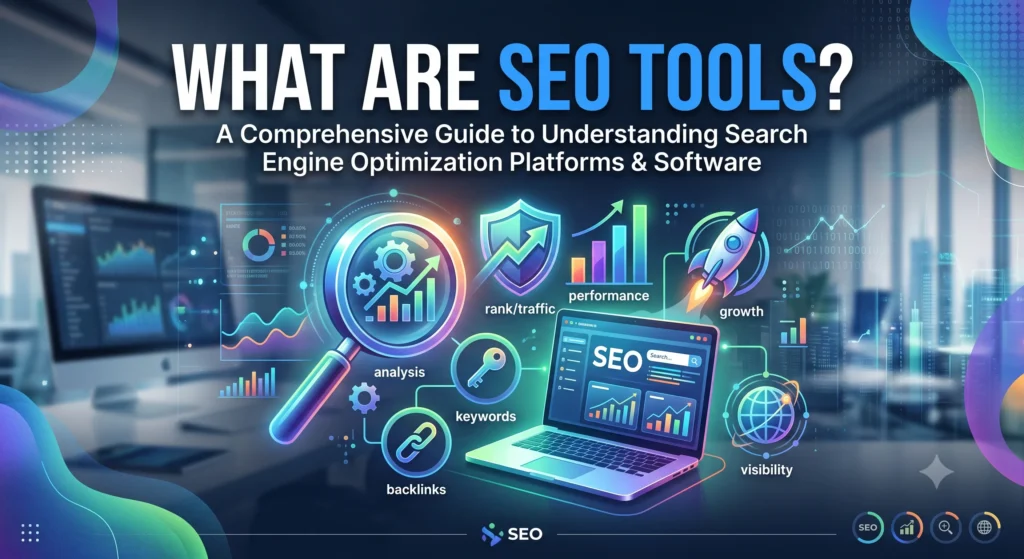
While these tools simplify optimization, they work best when you understand the fundamental principles of SEO before relying on software. They automate tasks that would take hours (or be nearly impossible) to do manually — like analyzing thousands of backlinks, tracking keyword rankings across different locations, or auditing a website with 10,000 pages.
A good SEO toolkit typically covers areas such as keyword research, on-page optimization, technical site audits, backlink analysis, and performance tracking. Instead of relying on intuition, these tools give you real data pulled from search engines like Google and Bing, so you can make decisions based on facts rather than assumptions.
In short, search engine optimization tools turn SEO from a guessing game into a measurable, repeatable process.
Why Are SEO Tools Important for SEO?
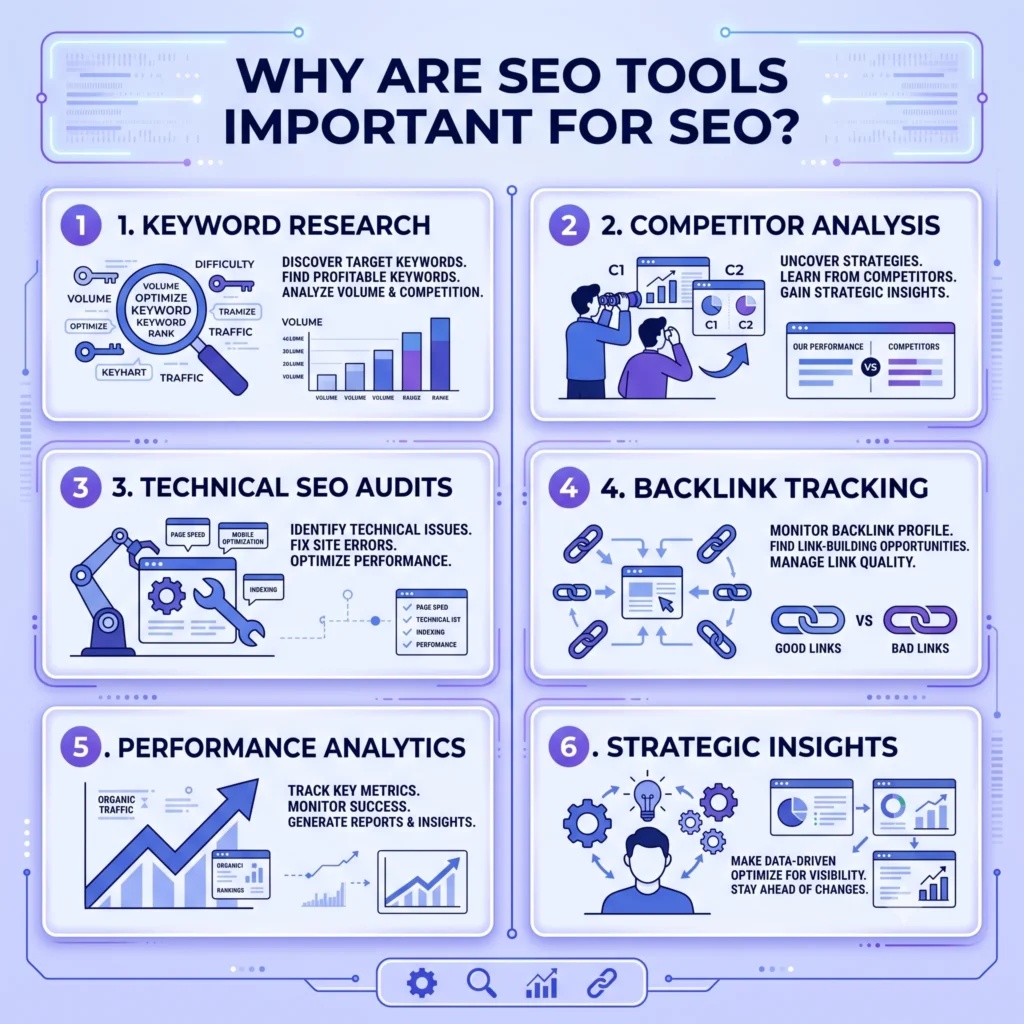
You could technically do SEO without any tools at all — but you’d be flying blind. Here’s why using dedicated SEO software matters:
- Data-driven decisions: Tools show you real search volume, competition, and difficulty scores instead of guesses.
- Time savings: A full technical site audit that might take days manually can be done in minutes with a website audit tool.
- Competitive insight: You can see exactly which keywords and backlinks are driving traffic to your competitors.
- Error detection: Tools catch crawlability, indexing, and Core Web Vitals issues before they hurt your rankings.
- Performance tracking: Rank trackers and reporting dashboards show whether your efforts are actually working over time.
Google itself recommends monitoring your site’s health through tools like Google Search Console, which reports indexing status, search performance, and mobile usability issues directly from Google’s own index.
Types of SEO Tools
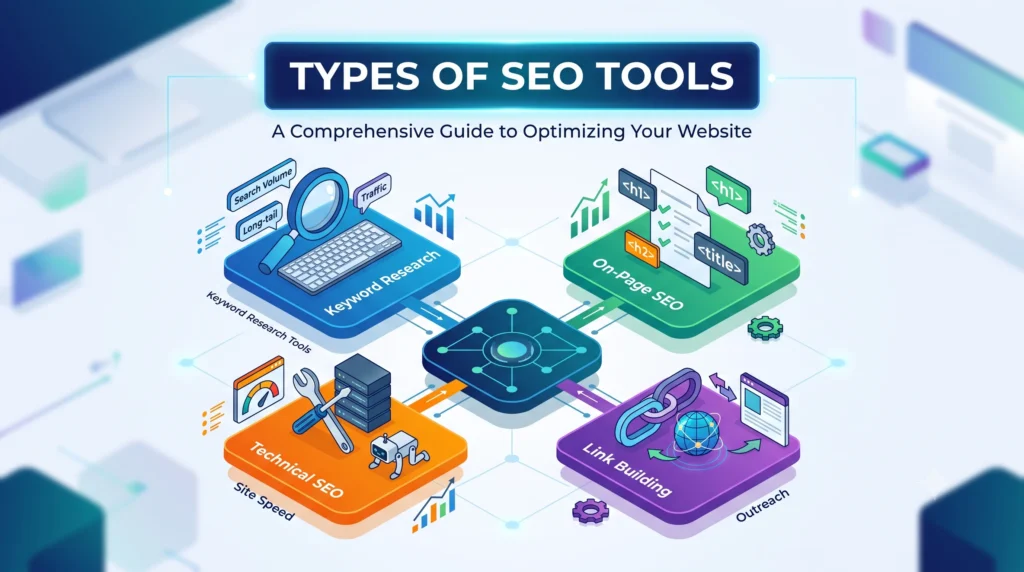
Before exploring these categories, make sure you understand the core concepts of SEO, since every tool supports a different part of the optimization process.
1. Keyword Research Tools
These help you find what people are searching for, including long tail keyword research, search volume, and a keyword difficulty checker to see how hard a term is to rank for.
2. Rank Tracking Tools
A keyword rank tracker or keyword position checker monitors where your pages sit in the search engine results pages (SERPs) over time, often broken down by device and location.
3. Backlink and Link Building Tools
These tools handle backlink checker functions, backlink analysis, and broken link checker scans to help you build and maintain a healthy link profile.
4. Technical SEO Tools
This category includes a site audit, SEO score checker, XML sitemap generator, robots.txt generator, and mobile-friendly test to make sure search engines can crawl and index your site properly.
5. On-Page SEO Tools
These cover meta tag generator, meta tags analyzer, and Open Graph generator tools that help optimize individual pages for both users and search engines.
6. Website Performance Tools
A page speed test measures loading times and Core Web Vitals, both of which are confirmed Google ranking factors, especially for mobile search.
7. Authority and Trust Metrics Tools
These include a domain authority checker, page authority checker, spam score checker, and domain age checker to evaluate a website’s overall trustworthiness.
Best SEO Tools for Every Need
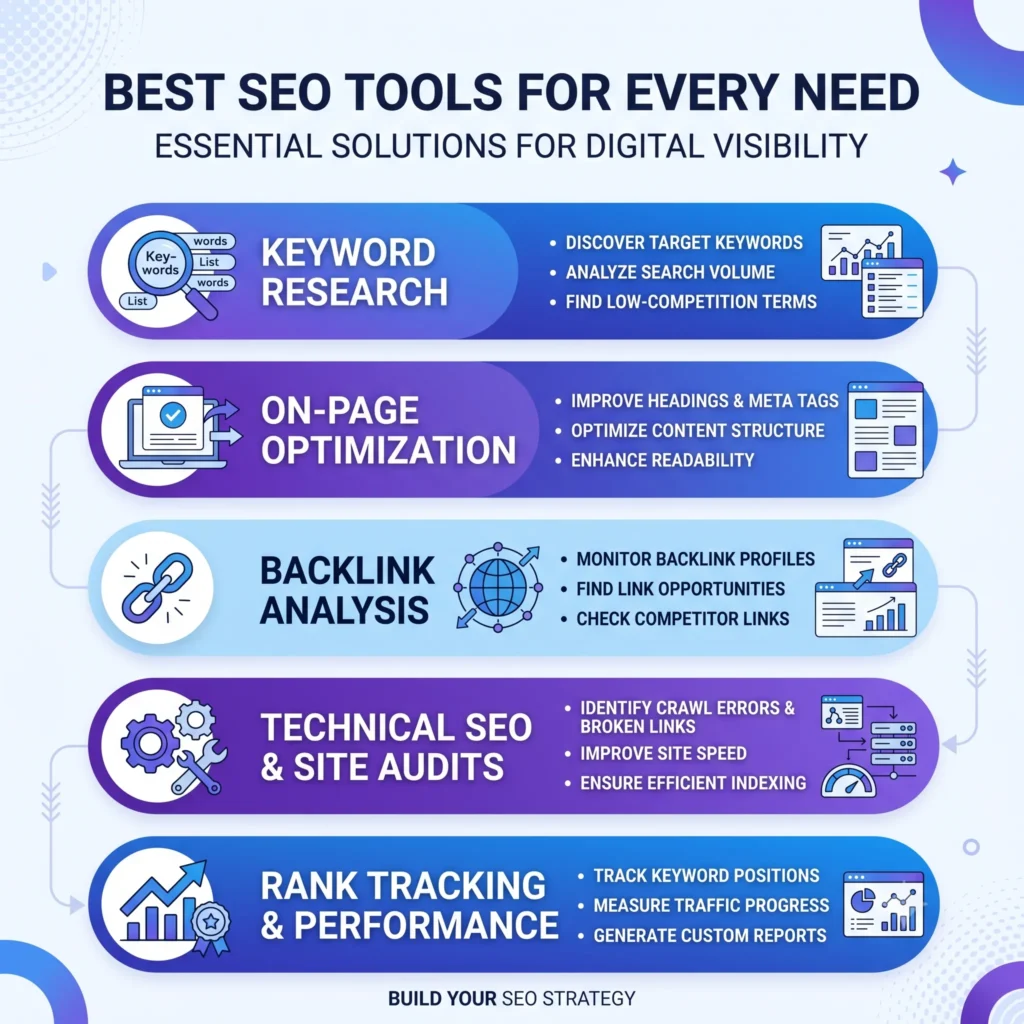
There’s no single “best” SEO tool — the right choice depends on your budget, skill level, and goals. Below, we’ve split recommendations into free and paid categories so you can pick what fits.
Best Free SEO Tools
If you’re just starting out or working with a tight budget, these free SEO tools deliver excellent value:
- Google Search Console – Essential for monitoring indexing, crawl errors, and search performance directly from Google.
- Google Analytics 4 – Tracks traffic sources, user behavior, and conversions on your website.
- Google PageSpeed Insights – A free page speed test that scores your site’s Core Web Vitals and offers fixes.
- Ubersuggest – A beginner-friendly online SEO tool for keyword ideas, content suggestions, and basic backlink data.
- Yoast SEO – A popular WordPress plugin that helps with on-page optimization, readability, and meta tag management.
- Rank Math – Another strong WordPress SEO plugin offering schema markup support and content analysis.
- GTmetrix – A free website performance monitoring tool that dives deeper into load-time diagnostics.
These free options are more than enough for small websites, personal blogs, and anyone learning the ropes of SEO.
Best Paid SEO Tools
Once your site grows or you’re managing SEO professionally, investing in professional SEO tools pays off. Here are the industry leaders:
- Ahrefs – Widely regarded as one of the most powerful tools for backlink analysis, keyword research, and competitor tracking.
- Semrush – An all-in-one SEO toolkit covering keyword research, site audits, rank tracking, and content optimization.
- Moz Pro – Known for its Domain Authority metric and beginner-friendly interface for on-page and off-page SEO.
- Screaming Frog SEO Spider – A desktop crawler used for deep technical SEO tools-style audits of large websites.
- SE Ranking – A cost-effective platform offering SERP tracking, audits, and white-label reporting for agencies.
These platforms typically cost anywhere from $99 to $500+ per month depending on the plan, but they offer far more comprehensive data, historical tracking, and automation than free alternatives.
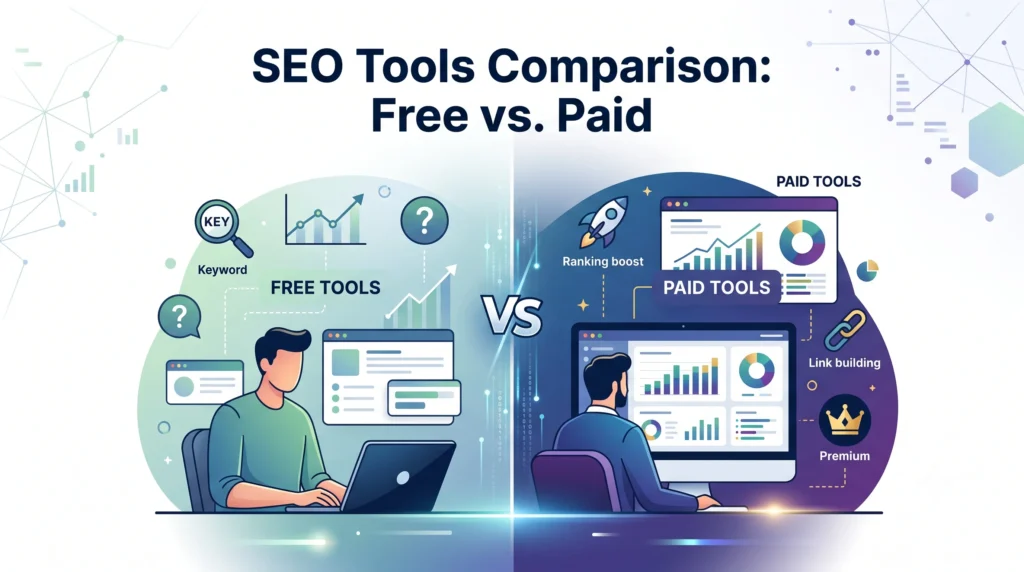
SEO Tools Comparison: Free vs. Paid
| Feature | Free SEO Tools | Paid SEO Tools |
| Keyword data depth | Limited volume/history | Full historical & global data |
| Backlink database size | Small | Massive (billions of links) |
| Site audit depth | Basic | Advanced, page-by-page |
| Rank tracking | Manual or limited | Automated, daily updates |
| Competitor analysis | Minimal | Detailed, side-by-side |
| Support & reporting | Community-based | Dedicated support, white-label reports |
| Best for | Beginners, small sites | Agencies, growing businesses |
The takeaway: free tools are great for learning and small-scale use, but paid SEO analysis tools become worthwhile once traffic, competition, or client work scales up.
How to Choose the Right SEO Tool
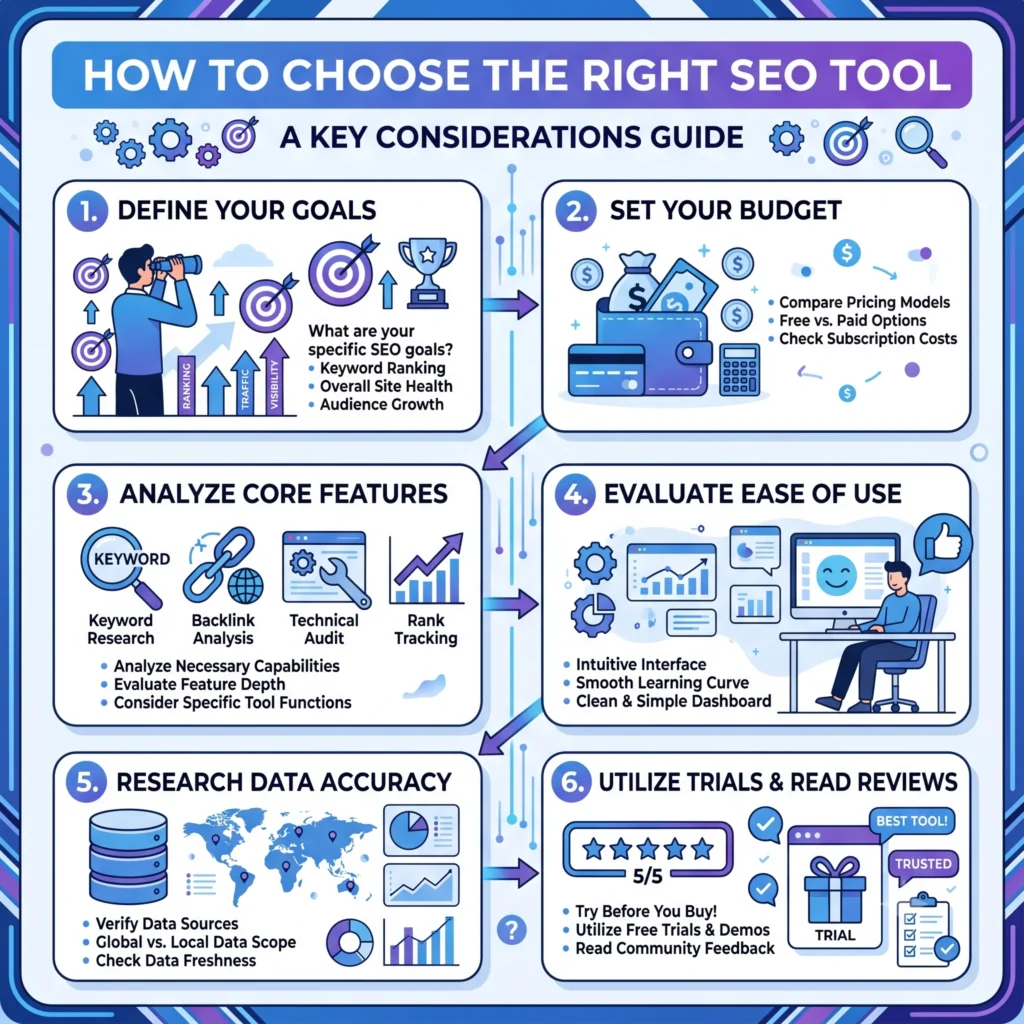
With so many website SEO tools on the market, picking one can feel overwhelming. Use these criteria to narrow it down:
- If you’re unsure where to begin, learning the SEO basics for beginners will help you understand which tools you actually need. Don’t buy an all-in-one suite if you only need one feature.
- Check data accuracy. Compare a tool’s keyword volume or backlink count against Google Search Console data when possible.
- Consider your budget. Start free, then upgrade to paid tools once you can justify the ROI.
- Look for a manageable learning curve. Some SEO optimization tools are packed with features but take weeks to master — make sure you actually have time to use them.
- Read real user reviews. Platforms like G2 and Capterra offer unbiased comparisons from actual users.
- Test before committing. Most paid tools offer free trials — always test with your own website before subscribing annually.
Common SEO Tool Mistakes to Avoid

Even great tools won’t help if they’re used incorrectly. Watch out for these common mistakes:
- Relying on one metric. Domain Authority or a “SEO Checker” score is a helpful guide, not gospel — Google doesn’t use these third-party metrics directly.
- Ignoring Google’s own tools. Free platforms like Google Search Console and Google Analytics 4 should always be your primary source of truth.
- Chasing every keyword suggestion. Not every keyword a tool suggests is worth targeting — prioritize relevance and intent over raw volume.
- Skipping technical audits. Many site owners focus only on content and ignore crawlability and indexing issues that quietly block rankings.
- Overspending too early. Don’t pay for an enterprise-level SEO toolkit before you’ve outgrown the free options.
- Not tracking results. A tool is only useful if you actually review its reports and act on the recommendations.
AI SEO Tools: The Future of Search Optimization
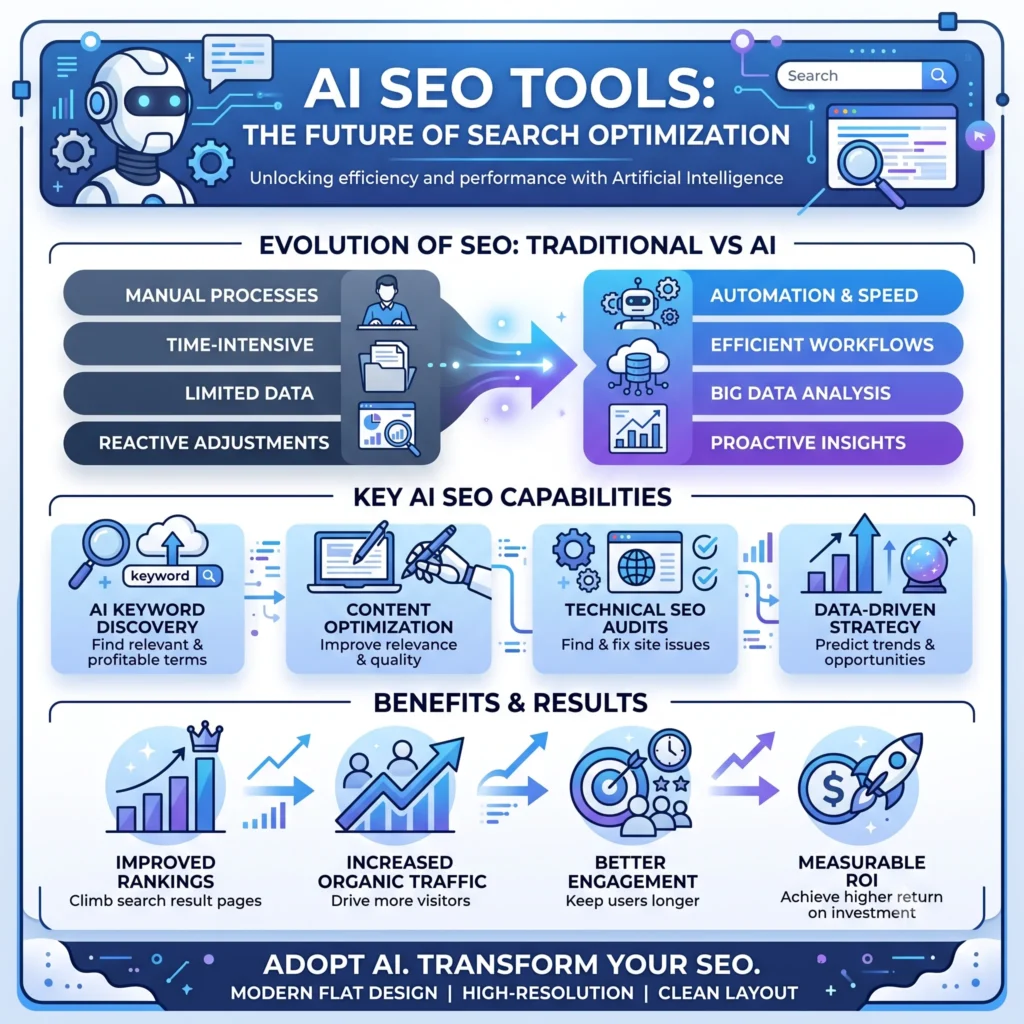
Artificial intelligence is reshaping how SEO tools work. Instead of just reporting data, many modern SEO software platforms now use AI to:
- Generate content briefs based on top-ranking pages
- Predict which keywords are likely to trend
- Auto-suggest internal linking opportunities
- Analyze search intent more accurately than traditional keyword matching
- Optimize content for AI-driven search experiences like Google’s AI Overviews
This shift matters because search itself is evolving. Users are increasingly getting answers directly from AI Overviews, ChatGPT, Gemini, and Perplexity, not just traditional blue links. That means today’s SEO analysis tools need to consider how content performs not just in classic SERPs, but also in AI-generated summaries. Structuring content clearly, using schema markup, and answering questions directly (as this guide does) all help visibility across both traditional and AI-powered search.
Tools like Semrush and Ahrefs have already begun integrating AI-based content and topic research features, and this trend is expected to accelerate through 2026 and beyond.
Final Thoughts
Choosing the right SEO tools isn’t about collecting as many subscriptions as possible — it’s about matching the tool to the task at hand.Start with free options like Google Search Console and PageSpeed Insights to build a solid foundation. If you’re just starting your SEO journey, our complete SEO basics guide explains the essential concepts before you move on to advanced tools., then invest in paid platforms like Ahrefs, Semrush, or Moz as your website and goals grow.
The SEO landscape is shifting fast, with AI increasingly shaping how people search and find information. But no matter how much technology changes, the core idea stays the same: the right SEO tools give you the data and clarity you need to make smarter decisions and grow your website’s visibility in 2026 and beyond.
Frequently Asked Questions About SEO Tools
What are the best free SEO tools for beginners?
Google Search Console, Google Analytics 4, and Google PageSpeed Insights are excellent free tools for beginners.
Are paid SEO tools worth it?
Yes. Paid tools like Ahrefs and Semrush provide deeper insights, better tracking, and advanced SEO features.
What is the most important SEO tool?
Google Search Console is the most essential tool because it provides data directly from Google.
Can I do SEO without SEO tools?
Yes, but SEO tools make optimization faster, easier, and more accurate.
How many SEO tools do I need?
Most websites only need 3–5 tools for keyword research, audits, rank tracking, and backlinks.
FluxSEO’s Team creates practical, beginner-friendly guides on SEO, blogging, keyword research and digital growth. Our goal is to simplify search engine optimization and help website owners improve visibility, rankings and organic traffic with clear, actionable advice.